 SEO · Testing
Test your meta tags and Open Graph tags before you publish
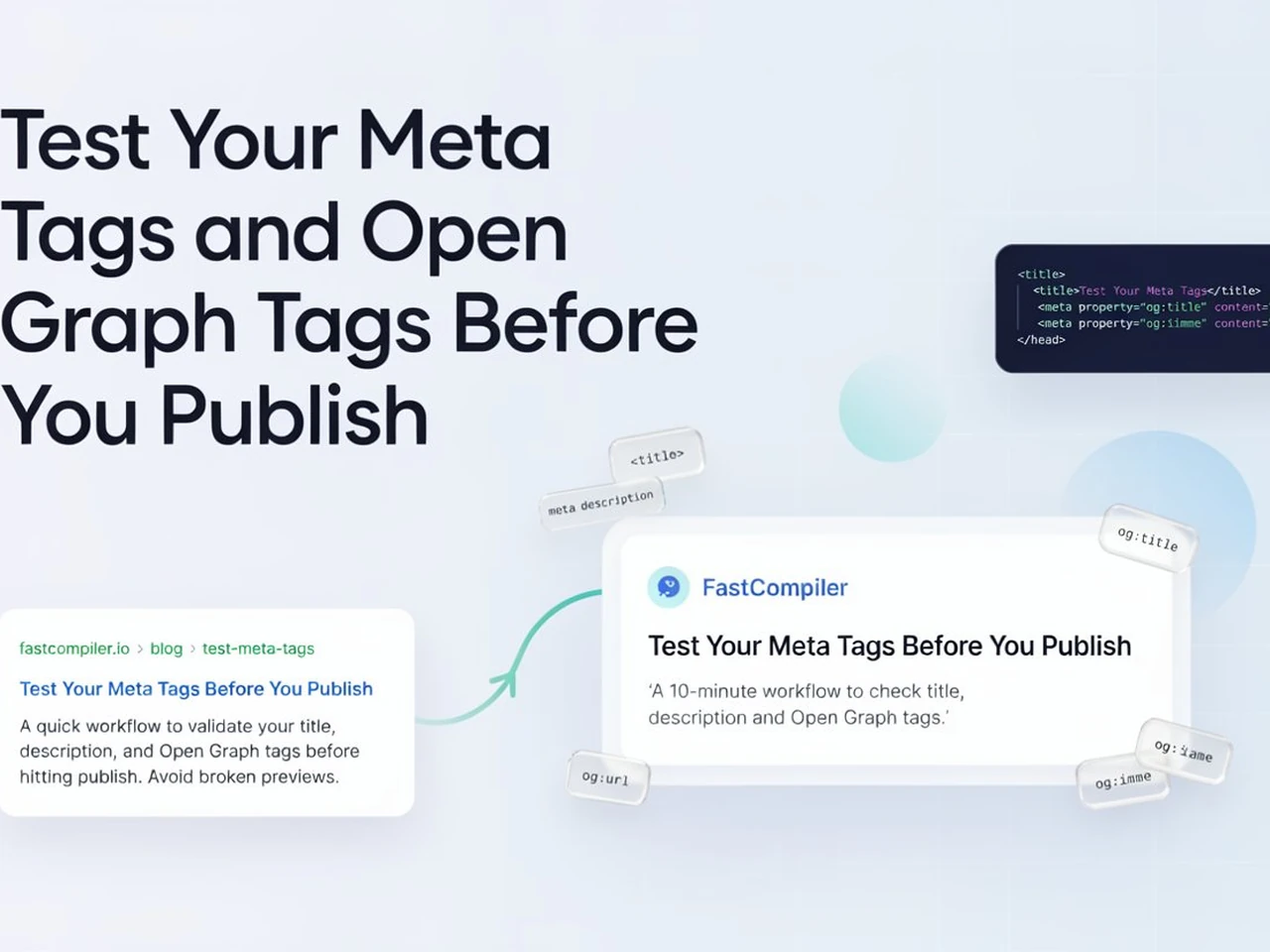
The moment you share a link, the preview card is built from your meta tags — and if they're wrong, everyone sees it. Here's a 10-minute workflow to check them with FastCompiler before your page goes live.
Meta tags are invisible, and that's exactly why they break without anyone noticing. A page can look perfect in the browser while its title is cut off on Google, its link preview shows a grey box on WhatsApp, and its description is missing on Facebook. All of it is fixable — if you check before publishing.
- Your meta tags decide both the search snippet and the social preview — neither can be seen on the page itself.
- og:image at 1200 × 630 is the most commonly missing tag and the main cause of broken link previews.
- The FastCompiler preview is a real document — inspect it with DevTools to verify every tag before publishing.
What Google actually reads
Two things from your markup show up in Google results: the
<title> and the
<meta name="description">. Both get truncated when they run long:
- Title — roughly 50–60 characters on desktop, around 70 on mobile. Past that, Google rewrites or truncates it with "…".
- Description — roughly 155 characters. Longer text gets cut mid-sentence.
Past the red marker, Google truncates your text with "…".
Google rewrites your title or description when it thinks yours don't match the page. That's not a bug, it's feedback. When Google overrides you, rewrite the tags so they describe the page honestly, and the mismatch goes away.
What Open Graph controls
Open Graph is the set of og: meta tags that Facebook, LinkedIn, WhatsApp,
Telegram and most other apps read when you paste a link. Without them, those platforms
guess from your page content — and they guess badly.
<meta property="og:title" content="Test Your Meta Tags Before You Publish">
<meta property="og:description" content="A 10-minute workflow to check title, description and Open Graph tags.">
<meta property="og:image" content="https://example.com/preview-1200x630.png">
<meta property="og:url" content="https://example.com/blog/test-meta-tags">
<meta property="og:type" content="article">Three details matter most:
- og:image — use a real image, roughly 1200 × 630 pixels. Missing images produce the grey-box previews that make links look broken.
- og:url — must be the absolute canonical URL. If it's a relative path, the preview may point at the wrong page.
- og:title — platforms cut it at about 70–90 characters, so keep it close to your page title.
Twitter cards
Twitter reads its own twitter: tags, and twitter:card
decides the layout. For a big image with the headline underneath:
<meta name="twitter:card" content="summary_large_image">
<meta name="twitter:title" content="Test Your Meta Tags Before You Publish">
<meta name="twitter:description" content="A 10-minute workflow to check your meta tags.">
<meta name="twitter:image" content="https://example.com/preview-1200x630.png">
How to test them in FastCompiler
You don't need a live server to test a head section. The FastCompiler preview renders a real document in your browser, so DevTools inspect it exactly like a published page:
- Open the FastCompiler HTML code runner.
-
In the
index.htmltab, replace the sample code with your page — including the full<head>with every title, meta and og tag you plan to publish. - Press Run. The preview loads your markup as a standalone document.
-
Right-click inside the preview and choose Inspect (or view the page
source with Open in new tab from the editor toolbar). The
<head>panel shows exactly which tags the document has. - In the DevTools console, you can even verify what a crawler would see:
document.querySelector('meta[name="description"]').content
document.querySelector('meta[property="og:image"]').content
If that query returns null or undefined, the tag is missing
from your page — and it'll be missing from search results too.
The mistakes that slip through
- Missing og:image — the most common cause of broken social previews.
- Relative URLs in og:url or canonical — links resolve against the wrong base.
- One title for the whole site — every page needs its own title and description.
- Descriptions pasted with extra spaces or quotes — truncation starts earlier than you think.
- A leftover noindex tag — blocks the page from search entirely.
- Oversized preview images — slow-loading social cards hurt shares on mobile networks.
A before-publish checklist
- Title: unique, under 60 characters, keyword near the front.
- Description: unique, 140–160 characters, written for humans.
- Canonical: absolute URL, self-referencing.
- og:title, og:description, og:image (1200 × 630), og:url, og:type — all absolute.
- twitter:card with summary_large_image plus title, description and image.
- No
noindexon pages you want indexed. - Viewport tag present so the preview is mobile-correct.
Run this checklist once and every page after it takes two minutes instead of twenty. For the full picture of what feeds search engines, see how to write SEO-friendly HTML: the tags that matter — then test everything in the compiler before it reaches anyone. Building an FAQ page? The details element guide shows how to build accordions in pure HTML and CSS.
Test your head section right now — paste it into the free HTML compiler and inspect the live preview.
Open the HTML compiler